AI-Generated Video in RCS: Personalized Video Messages at Scale

What if every customer on your list received a video message that felt like it was made just for them? With AI-generated video delivered through RCS, that's not a fantasy. It's a feature.
The Power of Personalized Video
Video is the highest-engagement content format. Period. But personalized video has always been impossible at scale. You can't record a custom video for 50,000 subscribers. Until now.
AI video generation changes the equation:
- Personalized greetings that address each customer by name
- Dynamic product showcases tailored to browsing history or purchase patterns
- Custom offer presentations with individualized pricing or promotions
- Branded spokesperson videos that feel personal but scale infinitely
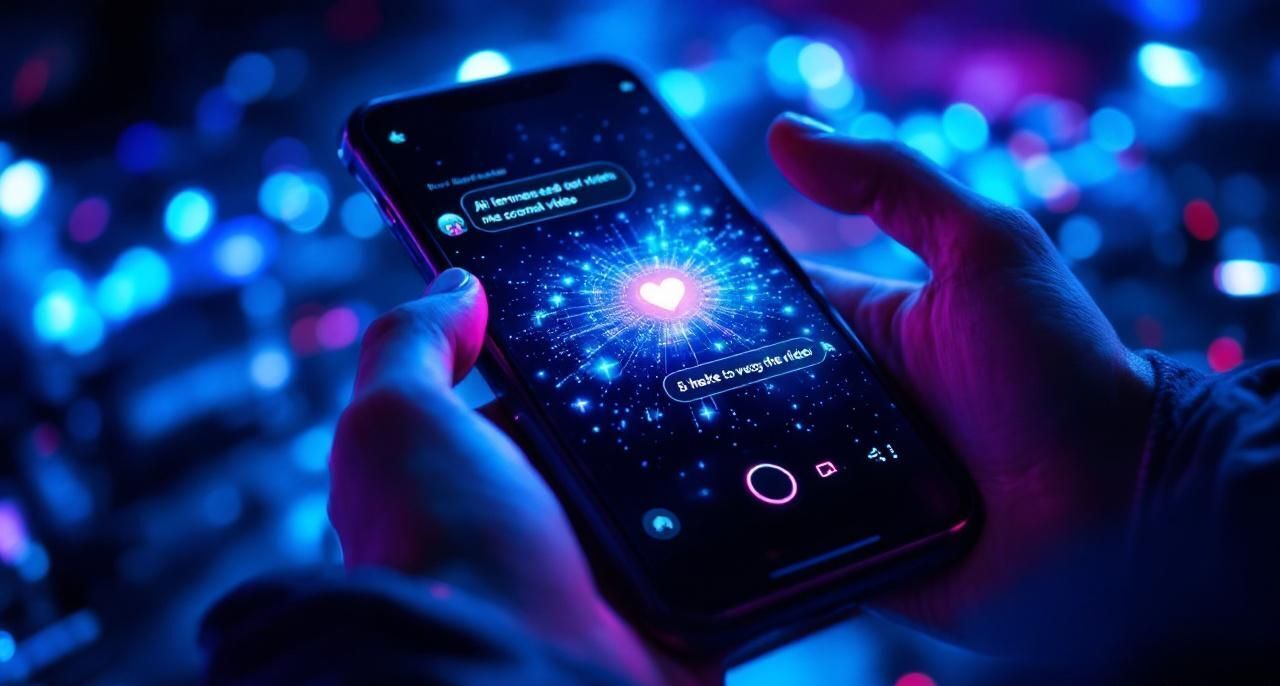
And with RCS, these videos play directly inside the messaging conversation. No links to click. No apps to download. Just tap and watch.
How AI Video Generation Works
Modern AI video systems combine several technologies:
Template Design: You create a base video template with your branding, key messaging, and visual style. Think of it as the video equivalent of a mail merge template.
Dynamic Elements: The AI replaces specific elements for each recipient:
- Customer's name (spoken and/or displayed)
- Product images or recommendations
- Offer details and pricing
- Location-specific information
- Seasonal or contextual visuals
AI Voice Synthesis: A natural-sounding AI voice delivers the personalized script. Modern TTS is so good that most viewers can't tell it's AI-generated.
Rendering at Scale: The system generates thousands of unique videos in minutes, each one personalized for its recipient.
RCS + Video: Why It Works
The magic happens at the intersection of AI video and RCS delivery:
Native Playback: RCS supports inline video playback. The video appears right in the conversation thread and plays with a single tap. No redirects, no buffering pages, no "open in browser" friction.

Rich Context: The video sits alongside interactive buttons. Watch the video, then tap "Shop Now" or "Book Appointment" without leaving the conversation.
Trust Signals: Your verified RCS brand profile tells the customer this is legitimate content from a real business, not spam.
Engagement Tracking: RCS analytics show you who watched the video, how long they watched, and what they did next.
Real-World Examples
Real Estate: A property management company sends personalized video tours to prospective tenants. Each video addresses the recipient by name, shows available units matching their criteria, and includes a "Schedule Tour" button.
Healthcare: A dental practice sends personalized appointment reminder videos. "Hi Maria, just a friendly reminder about your cleaning appointment this Thursday at 2 PM. Here's what to expect..." with a confirm button below.
E-commerce: An online retailer sends personalized product recommendation videos based on browsing history. "We noticed you were looking at running shoes. Here are our top picks for you..." with carousel cards below the video.
Automotive: A dealership sends service reminder videos. "Hey James, your 2023 Civic is coming up on its 30,000-mile service. Here's what we'll take care of..." with a "Book Service" button.
Getting Started
- Choose your use case. Start with one high-impact scenario where personalization and video would make the biggest difference.
- Design your template. Create a 15-30 second video template with placeholders for personalized elements.
- Prepare your data. Make sure your customer records have the personalization fields you need (name, preferences, history).
- Generate and test. Create a small batch of personalized videos and review them for quality.
- Launch and measure. Send to a test segment, track engagement, and iterate.
Performance Benchmarks
Early adopters of AI-generated RCS video are seeing:
- 3-5x higher engagement compared to static SMS
- 40% video completion rates for 15-second personalized clips
- 2x conversion rates when video is paired with action buttons
- 60% reduction in customer service follow-ups when video explains the process
Tips for Success
- Keep videos short. 15-30 seconds is the sweet spot for messaging. Save longer content for email or your website.
- Front-load the personalization. Say the customer's name in the first 3 seconds. That's what hooks attention.
- Always include a CTA button. The video builds interest, the button converts it. Don't make them search for the next step.
- Test your fallback. For devices that don't support RCS video, have a strong SMS fallback with a link to a web-hosted version.
The Future Is Personal
Mass marketing is dying. Customers expect businesses to know them, remember them, and communicate with them as individuals. AI-generated video delivered through RCS is the closest thing to a personal conversation at scale.
Tells.co is leading this evolution. See it in action.