RCS Carousels: Build Interactive Product Showcases in Messages
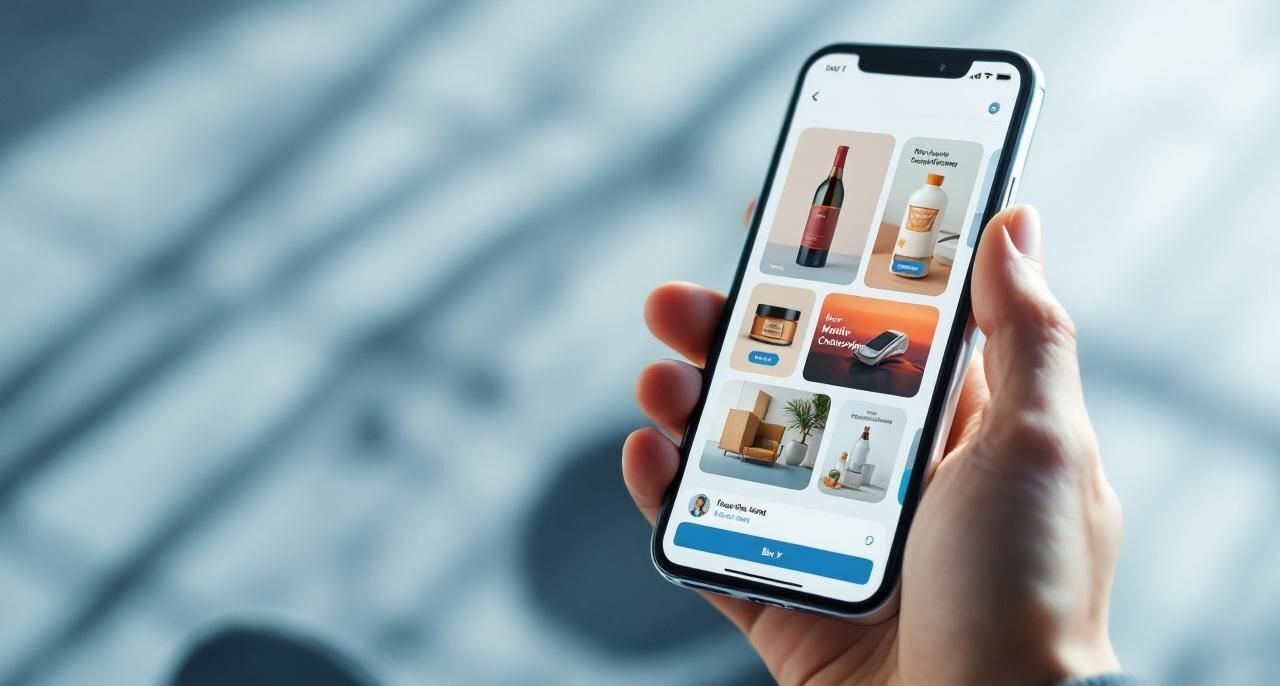
Imagine sending your customers a mini storefront they can browse with a swipe of their thumb, right inside their messaging app. That's what RCS carousels do, and they're changing how businesses sell through messaging.
What Are RCS Carousels?
RCS carousels are swipeable card collections delivered inside a text conversation. Each card can contain:
- A high-resolution product image
- A title and description
- A price or key detail
- One or more action buttons (Buy Now, Learn More, Add to Cart)
Customers swipe left and right to browse, then tap a button to take action. No website visit required. No app download. Just browse and buy in the conversation.
Why Carousels Outperform Static Messages
Traditional SMS marketing is one-dimensional. You describe a product in 160 characters and hope the customer clicks a link. Carousels are fundamentally different:
Visual browsing. People process images 60,000x faster than text. Showing a product is always more effective than describing it.
Choice architecture. Presenting 3-5 options (instead of one) increases the likelihood of conversion. Customers feel like they're choosing, not being sold to.
Reduced friction. Every click between "seeing a product" and "buying it" loses customers. Carousels collapse that journey into swipe and tap.
Discovery. Customers often buy things they weren't specifically looking for. Carousels enable browsing behavior that text messages simply can't.
Carousel Design Best Practices
Card Count: 3-5 cards is ideal. Fewer than 3 doesn't feel like a carousel. More than 5 and people stop swiping.
Image Quality: Use high-resolution, consistent images. Product shots should have similar backgrounds, lighting, and framing across all cards.
Copy: Keep it scannable. Product name, one key benefit, and price. Save the detailed description for when they click through.
Buttons: One primary action per card. "Shop Now" or "View Details" work well. Don't overwhelm with multiple buttons per card.
First Card: Your strongest product goes first. It's the only card guaranteed to be seen without swiping.
Last Card: Consider a "View All" or "See More" card that links to your full catalog.
Use Cases Beyond E-commerce
Carousels aren't just for selling products. Creative businesses use them for:

Restaurant Menus: Swipe through daily specials with food photography and "Order Now" buttons.
Real Estate Listings: Browse available properties with images, prices, and "Schedule Viewing" buttons.
Event Lineups: Scroll through speakers, performers, or sessions with "Add to Calendar" buttons.
Service Packages: Compare service tiers side-by-side with features and "Choose Plan" buttons.
Course Catalogs: Browse available classes with schedules and "Enroll" buttons.
Travel Packages: Swipe through destinations with pricing and "Book Now" buttons.
Building Your First Carousel Campaign
Step 1: Gather Your Assets
- 3-5 high-quality product images (minimum 800x800px)
- Short, punchy copy for each card (title + 1-2 lines)
- Pricing or key details
- Destination URLs or actions for each button
Step 2: Build the Carousel
In the Tells.co platform, carousel creation is visual. Drag and drop your images, add copy, set up buttons, and preview how it looks on different devices.
Step 3: Set Your Audience
Target a specific segment. Carousels work best when the products are relevant to the recipient. Don't send shoe carousels to people who only buy hats.
Step 4: Configure Fallback
For devices without RCS support, create an SMS fallback. This might be a text message with a link to a mobile-optimized landing page that mirrors the carousel experience.
Step 5: Launch and Measure
Track which cards get the most views, which buttons get clicked, and which products convert. Use this data to optimize your next carousel.
Performance Metrics
Businesses using RCS carousels through Tells.co are seeing:
- 28% tap-through rate on carousel cards (vs. 3-5% on SMS links)
- 2.3x higher conversion rate compared to single-product messages
- 45% of recipients swipe through all cards
- 15% lower opt-out rate compared to promotional SMS
Pro Tips
- Seasonal rotation. Update carousel content regularly. Stale carousels get ignored.
- A/B test card order. The first card matters most. Test which product in the lead position drives the most engagement.
- Use carousels for re-engagement. "Here's what's new since your last visit" with fresh products can win back lapsed customers.
- Combine with AI. Use AI personalization to select which products appear in each customer's carousel based on their behavior and preferences.
RCS carousels are the closest thing to window shopping on a phone screen. Start building yours with Tells.co.